

Payments: Payouts
Keeping track of when funds land in your charity’s bank account is a key part of reconciliation, and Stripe payouts sit at the heart of that process. Each payout groups together the transactions Stripe has processed during a specific period, and while Stripe controls when those funds are released, Funraisin gives you clear visibility over the parts that relate to your platform.
Whether a payout contains a handful of transactions or several thousand, your Funraisin dashboard lets you see exactly which payments contributed to it, how fees apply, and where totals may differ from what you see in Stripe. This article walks through how payouts appear on your platform, how to report on them, and what to do when the figures don’t quite line up.
What are Payouts?
A payout is the transfer of funds from your Stripe account into your charity’s bank account. The payout schedule is managed in Stripe — whether that’s daily, weekly, monthly, or triggered manually.
While payouts are created and controlled in Stripe, key payout information is also passed back into your Funraisin platform. This gives you visibility over which transactions are included in each payout and helps your finance team reconcile activity between Stripe, Funraisin, and your bank account.
Click here to read more about payouts on Stripe.
Viewing Your Payouts
You can view all Stripe payouts directly from your Funraisin platform.
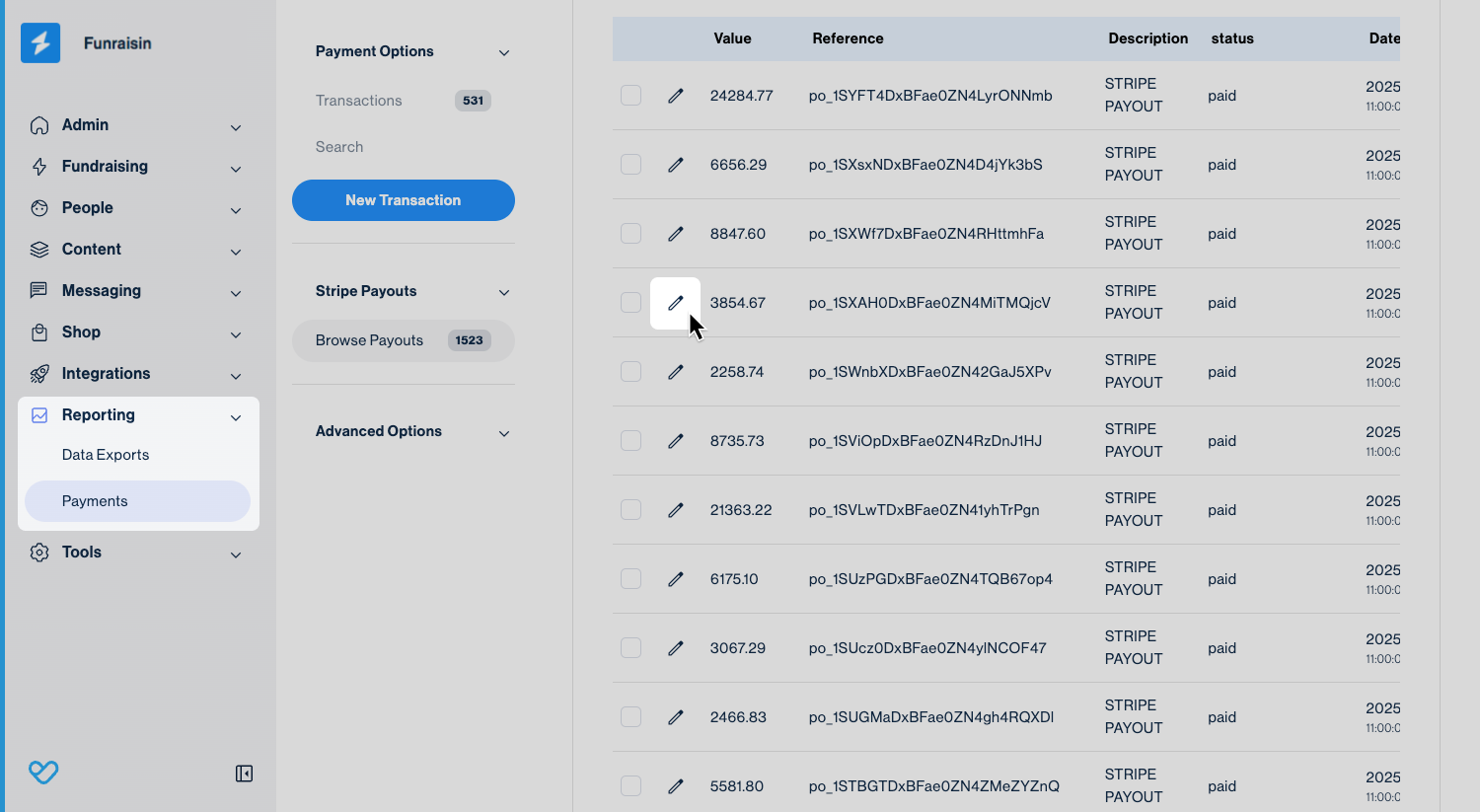
Navigate to Reporting > Payments > Browse Payouts.
This page lists each payout along with the amount paid, payout reference number, status, and date.
Tip! A payout may include transactions from Funraisin and any other platform connected to your Stripe account, so the totals may not match Funraisin activity alone.
Click the edit icon next to any payout to open it and view more detailed information.
Once you click into a payout, you’ll see the following information:
- Date/Time: The date and time the payout was deposited into your bank account.
- Transaction Ref: The payout reference number, beginning with po_.
- Amount: The total amount paid into your bank account.
- # Transactions: The number of Funraisin transactions included in this payout.
Because Funraisin breaks payments into multiple lines for reporting, a single payment may appear as several transaction lines.
For example: a $100 payment split into $50 registration, $30 donation, and $20 merchandise will appear as three separate transactions. - Transaction Total: The combined total of all Funraisin transactions included in the payout, before Stripe fees are deducted.
- Gateway Fees: The total Stripe fees relating specifically to the Funraisin transactions included in this payout.
- Optional Contribution: The total amount of Optional Contributions from Funraisin transactions included in this payout.
If your Stripe account is only being used for your Funraisin platform, then the Transaction Total, minus Gateway Fees and Optional Contributions, should generally align with the final payout amount you received.
If you have multiple sources feeding into your Stripe account, your Funraisin platform will only display the Transaction Total, Gateway Fees, and Optional Contributions values that relate to Funraisin-processed transactions. In this case, your overall payout amount may be higher because it also includes income from other connected platforms.
There may also be additional fees, refunds, or adjustments that cause the final payout amount to differ from the amount shown in Funraisin.
See the Discrepancies section below for more information.
Reporting on Payouts
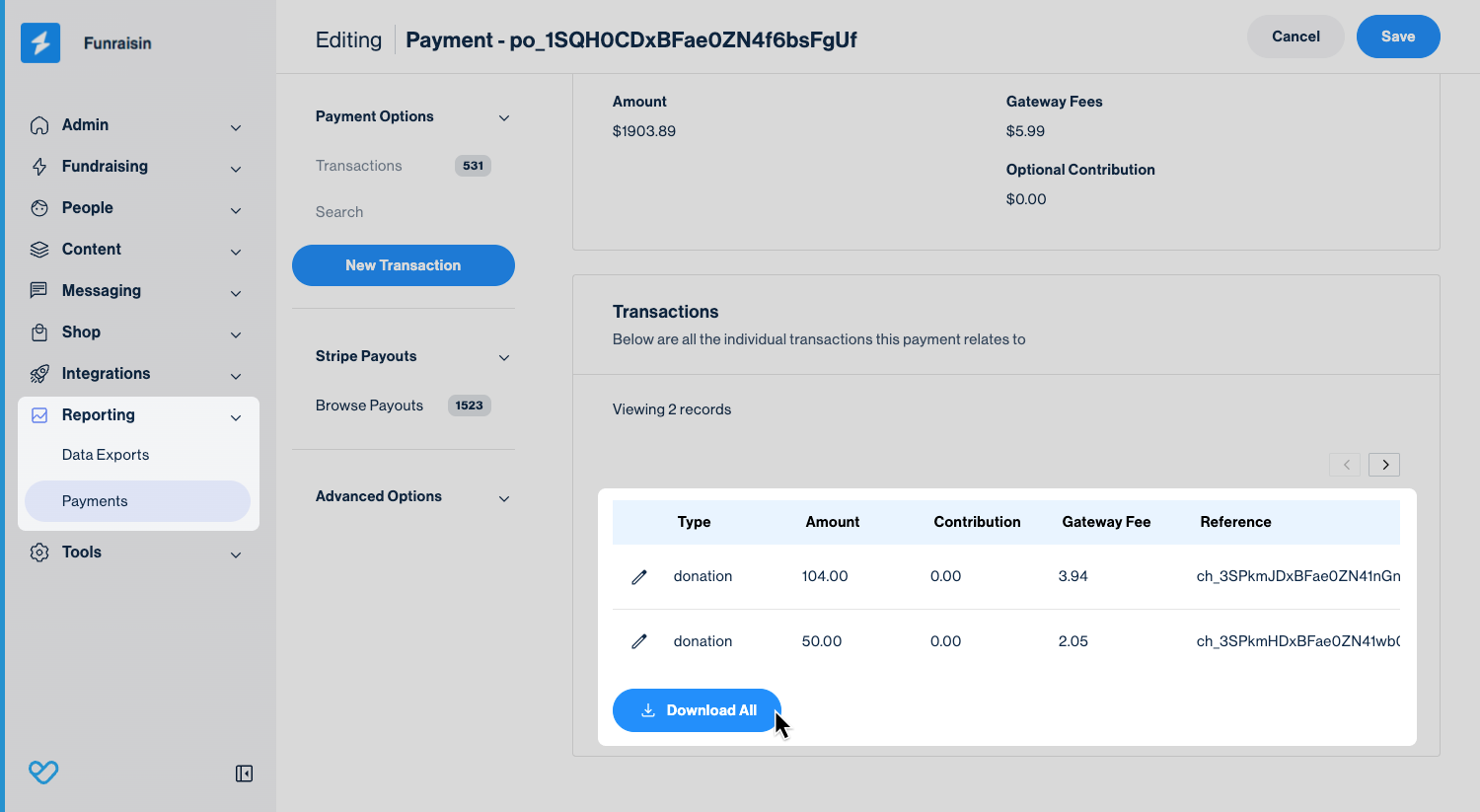
At the bottom of each payout record, you’ll see an option to Download All. This exports a CSV containing all Funraisin transactions included in that specific payout. The file provides a clear, itemised breakdown of every transaction from your platform that contributed to the payout, making reconciliation with Stripe and your bank statements much easier.
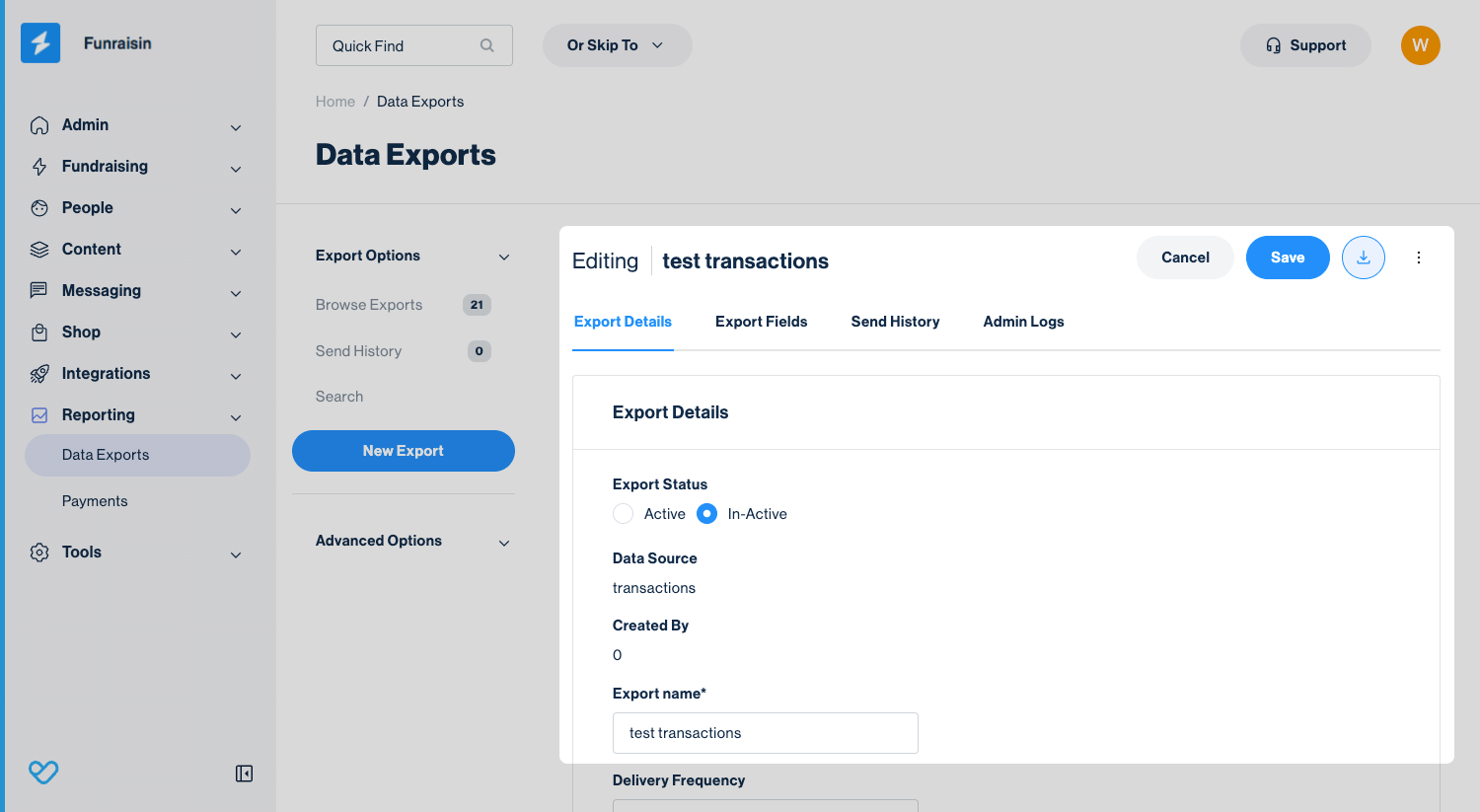
You can also include payout information in your Transaction reports, which is helpful for reconciliation and matching individual transactions to specific payouts. There are three payout-related fields available:
- Payout reference
The Stripe payout reference number, beginning with po_ - Payout date
The date the payout was deposited into your charity’s bank account. - Payout status Indicatesthe payout stage for each transaction. Common values include:
- Blank – the transaction has not yet been included in a payout
- in_transit – the funds have been sent from Stripe and are on their way to your bank
- Paid – the payout has been successfully deposited
Including these fields helps you quickly reconcile Stripe payouts with Funraisin transaction data and your bank statements.
Payouts Frequency
How often funds are paid from your Stripe account into your charity’s bank account is completely up to your organisation. Payout frequency is not managed in Funraisin. These settings must be configured directly within your Stripe account.
Viewing Payouts in Stripe
You can view your full payout history directly in Stripe. Log in to your Stripe dashboard and navigate to Transactions > Payouts (via the tab along the top).
Here, you’ll see a list of all payouts made from your Stripe account. You can click into any payout to view more detail, including an itemised breakdown and a downloadable report.
Discrepancies
If the payout information in Funraisin doesn’t match what you see in Stripe, there may be fees, refunds or other adjustments in Stripe that are not passed back to Funraisin.
For example, Stripe Radar fees are not included in the Gateway Fees reported in Funraisin. Refunds may also affect the final payout amount and result in differences between the payout information shown in Funraisin and Stripe.
If you spot a discrepancy, we recommend reviewing or downloading the payout report directly from Stripe. This provides a complete breakdown of the transactions, fees, and adjustments associated with the payout and can help identify amounts that are not available within Funraisin.
Still need help? Still need help? Check out other Payments articles or reach out to the Funraisin Support team by logging a ticket through the Support Module in your platform.
Last updated: 2 Oct 2026
